
Horizon(tal) XI

This is a revisit to Horizon(tal) X, based on an interesting suggestion in its comments section from Andy Hooker of the LensScaper and iSighting photography blogs.
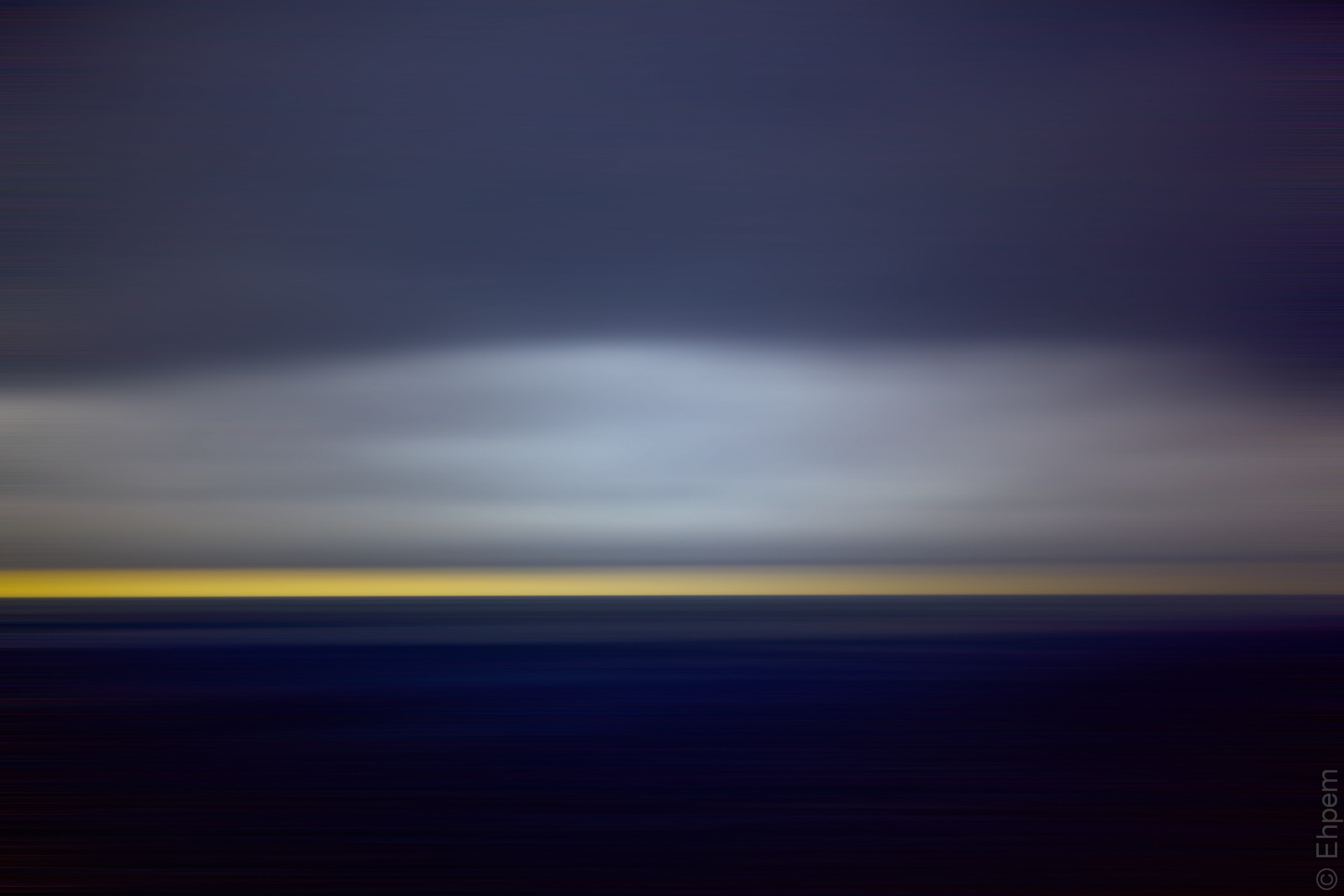
Andy suggested that I take a vertical slice out of the image, resize it to the original dimensions and then give it a motion blur, all in the name of making it truly abstract. So, for the first time, I cracked open Photoshop Elements (v.9 which came with my scanner) and had a go. After a few false starts while trying to get the changes to stick, I managed to implement his suggestions.
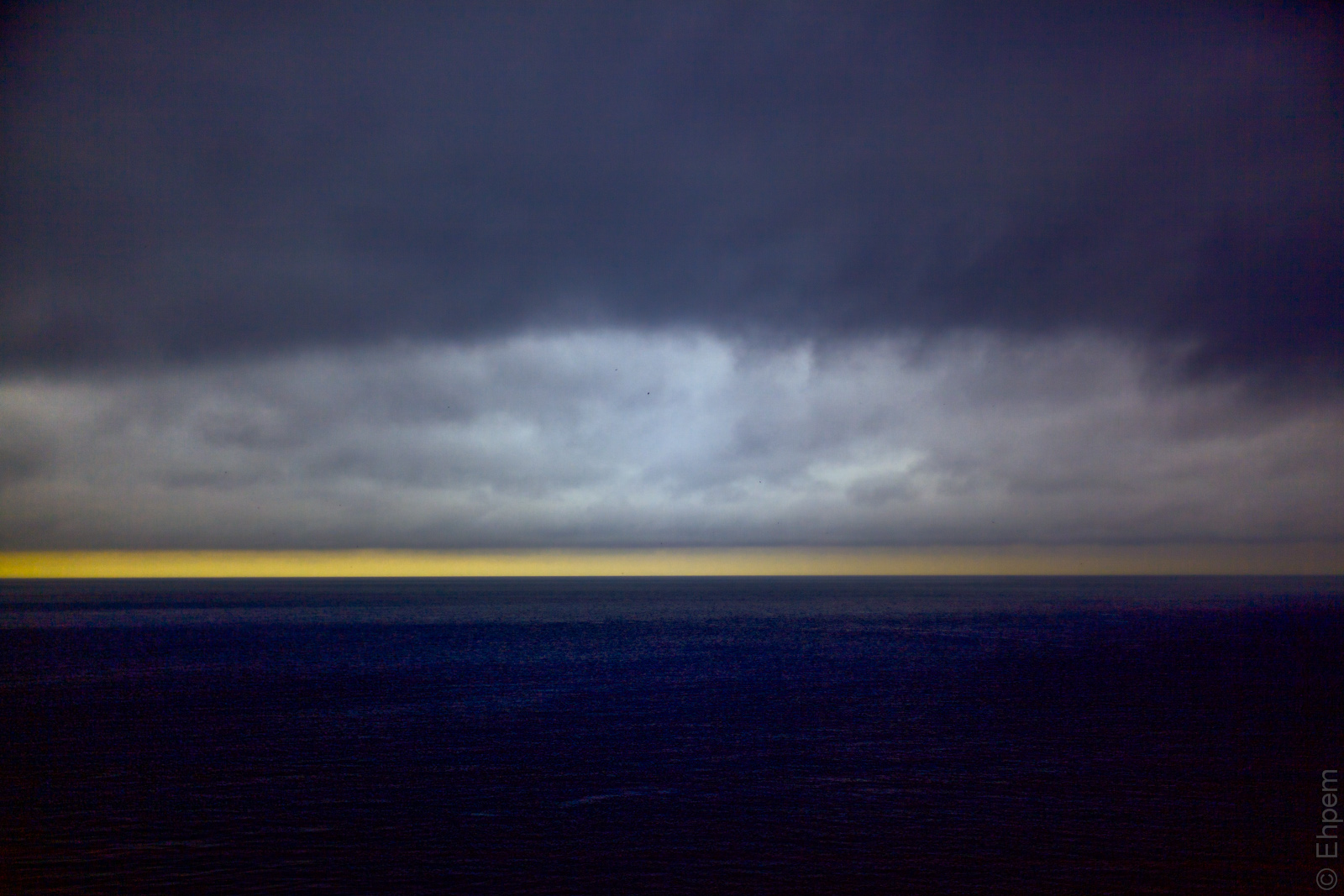
The top image is the process Andy suggested, the second version is applying the same method but without cropping. The third version is the original processed image, which is a different one than I presented as Horizon(tal) X, though very similar. It has a bit more light in the dark blue that I thought might look good in the even more abstracted version. The last image is the largely unprocessed original (a touch of sharpening and horizon straightening) – you can see that I was stretching pretty far to find some light on this very gloomy day. And since there really was none, it seems appropriate to completely abstract this photo. I still like what I did with it in the first place, but I do like the first shot a lot too. Great suggestion Andy!
I would like to thank Andy for his ongoing interest in my photography, and his frequent useful insights and suggestions that have helped me to improve – he is one of several people that sometimes prod me along in the comments section and are all so much appreciated around here. For instance, he reminded me not long ago that it is sometimes good to flip an image, so I tried it and it was just what this one needed.
Thanks also for pushing me over the edge to open Elements (you are not the only one suggesting that I take the leap). I might actually go back, it wasn’t all that bad! I strongly recommend Andy’s photoblog LensScaper for a wide variety of excellent photographs of diverse subjects. And, his brand new weekly blog iSighting seeks to share his deep knowledge and experience of photography with a wide audience and looks guaranteed to be an interesting read – check it out too!
.
.

.
Canon EOS 5D MkII, Canon 50mm/f1.4 lens, ISO100, f1.4, 1/640th Processed in Lightroom 4, Topaz Restyle and Photoshop Elements.
.
.


 burnt embers
A superb rendition… (Andy’s idea works well) love the colours: one for the wall I think.
David.
LikeLike
Hi David, and thank you. I learn a lot from the blogging community around me which is constantly adding glow to the embers of my creativity.
LikeLike
I agree with Andy; the blur and crop really looks great on this image. Andy has always been a proponent of taking an image as far as it can go and still be tasteful and not overdone. I valuse his opinion highly. I think you will enjoy using Elements, too. It’s one of the best editors and organizers on the market.
LikeLike
Thank you Ken. I am really grateful for this kind of suggestion and support. You are one of those that has been moving me incrementally towards the edge of the Elements cliff, so you are partly responsible here as well. My version of Elements won’t integrate with my version of LR. I downloaded a trial version of LR5 to see if it would, but looks like I will need an upgrade to both Elements and LR if I want to use it as an editing option directly out of LR, and to allow the LR catalogue to keep up without a lot of fuss. I will play with it for a while before I make those changes, though LR5 may come sooner than Elements12 or whatever it is up to now.
LikeLike
Cheers here for Andy, who made a suggestion, and to you for following up on it. I like the result very much – there’s enough of the original feel of the sea still there, but the overall abstract-ness of the shot makes it more interesting than if it were *just* the sea. And, I could not agree more with yours and Andy’s comments about the value of our community.
LikeLike
Thanks Melinda. It was a great suggestion, and fun to follow up on it. With a good result too. It is wonderful to be able to tap in to suggestions from people with great vision and the experience with how to make it work.
LikeLike
Love love love this!!
LikeLike
Thank you Tim!
LikeLike
Excellent. It’s great to see photographs evolving and being recreated – I’m a great believer in that. The top image is reminiscent of a shot I made under totally different conditions (if I might be so bold): http://mikeosbornphoto.files.wordpress.com/2013/05/tube-sky-swatch.jpg
LikeLike
Hi Mike – thanks for the comment, and for the link to your photo which is remarkably similar. It just shows, there are only so many ways of seeing things out there. I can’t track down the original post your photo was published in, but would like to see that too! I am behind on your blog, but now that I have had a bit of a look around, realise I really must do some catching up.
LikeLike
It’s funny, isn’t it? Your shot is of the sea, mine a passing Tube train. Yet they produced similar results! Here’s the original post for you: http://mikeosbornphoto.com/2013/05/05/night-lights/ Thanks for taking time to catch up, that’s much appreciated.
LikeLike
I like it! And I’m glad, more importantly, that you like the result, Ehpem. I think it preserves enough of the original image but accentuates the colour bands effectively. It enhances the abstract that you originally saw. Many thanks too for the mentions of my two blogs – that is much appreciated. The interaction that you and I enjoy is what makes the blogging community such an asset to individual photographic development.
LikeLike
Thank you Andy – it worked out well and was a good idea of yours! And nice clear instructions too. I agree about the interactions too, it is what makes this worthwhile. If I was posting without any feedback, I would not be posting for very long I don’t think.
LikeLike