Ladder of Procrastination
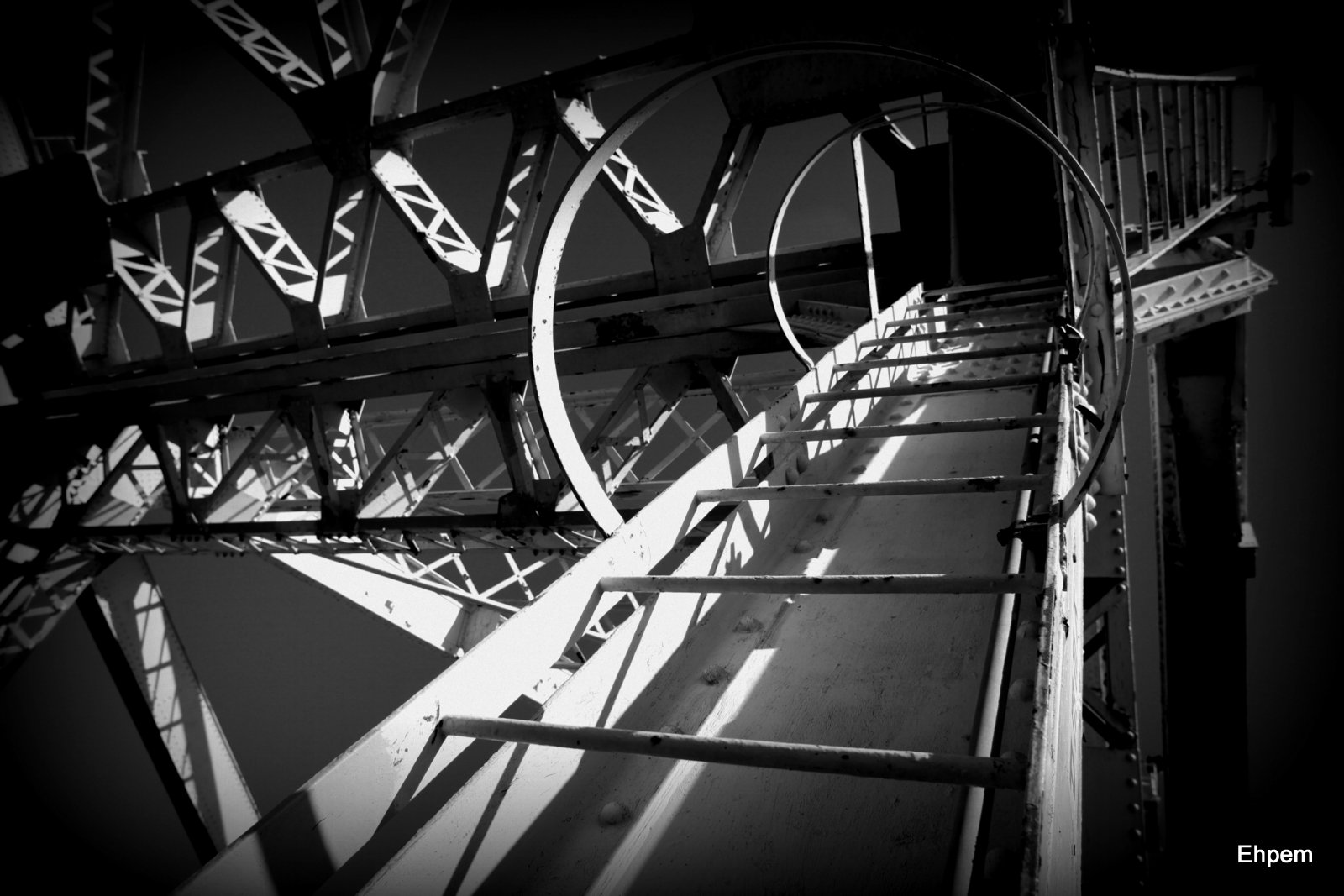
Holga-ish Ladder
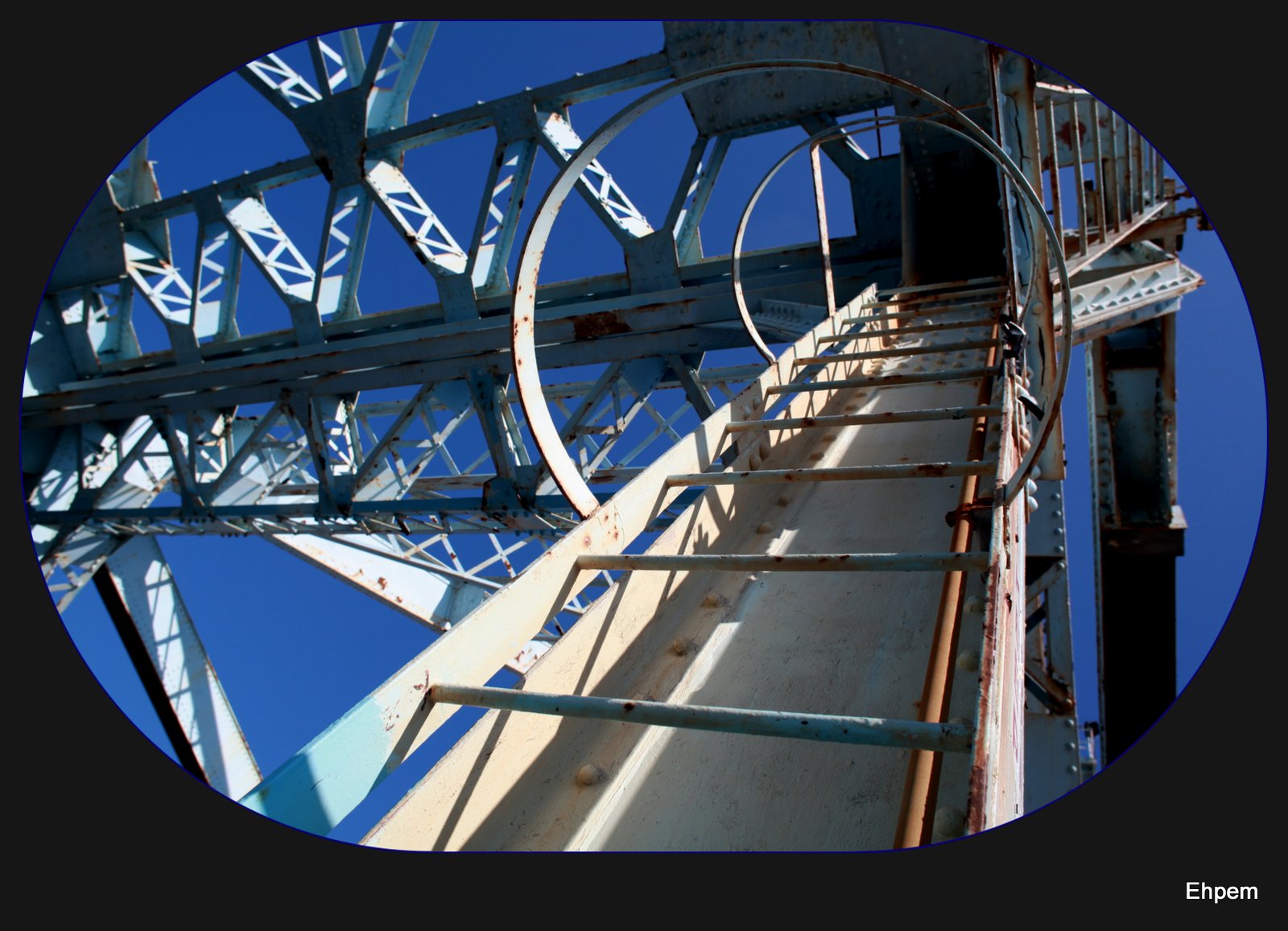
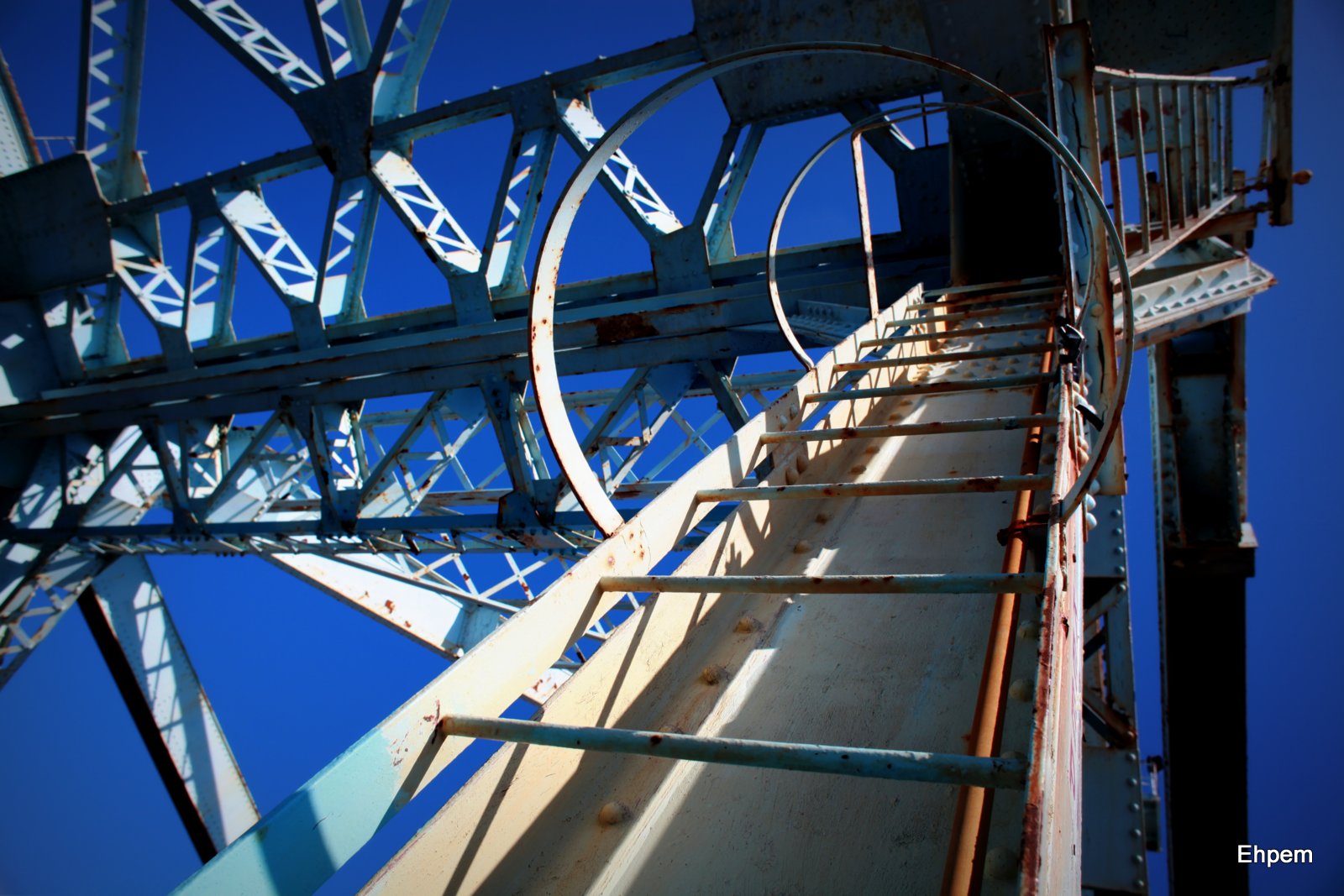
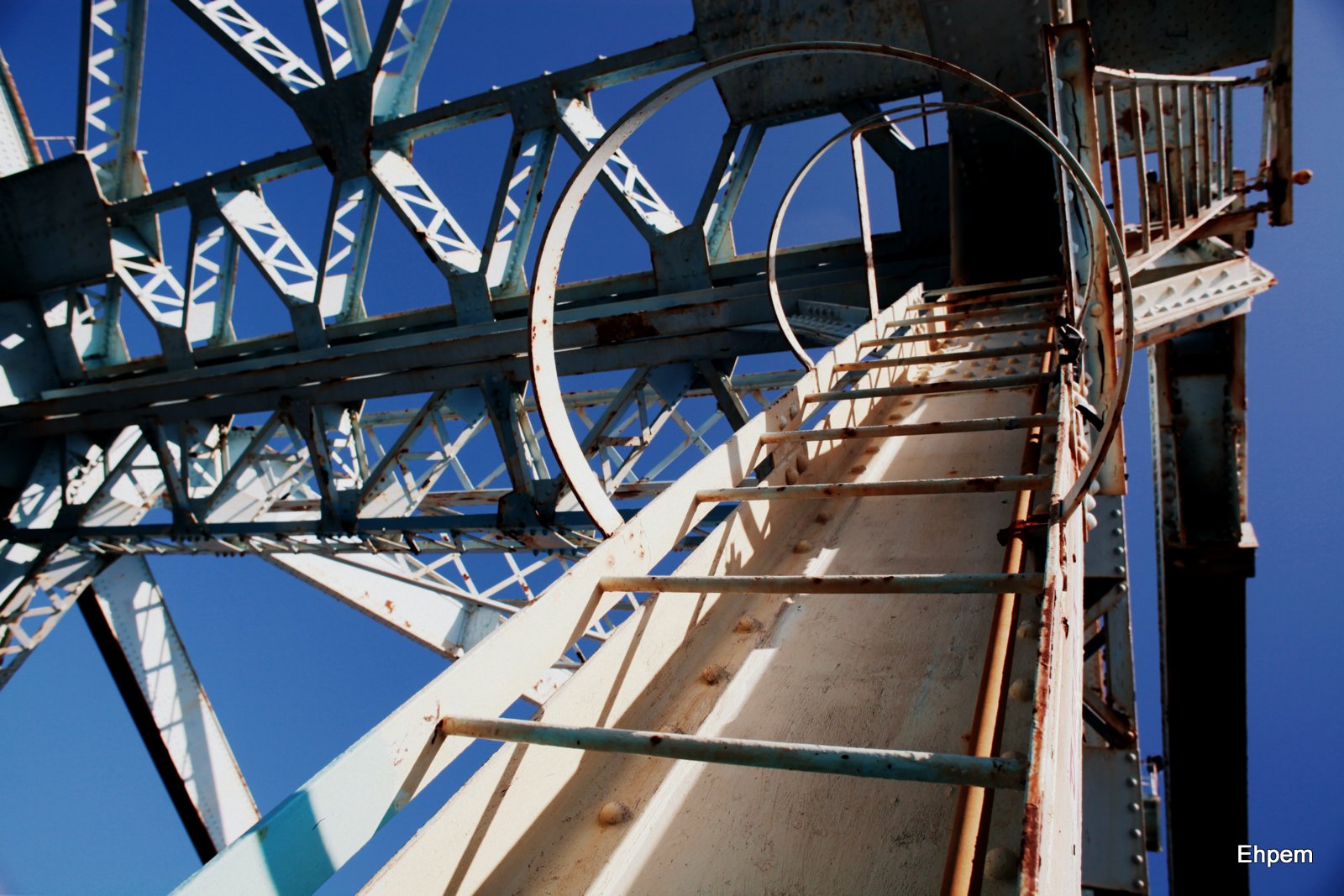
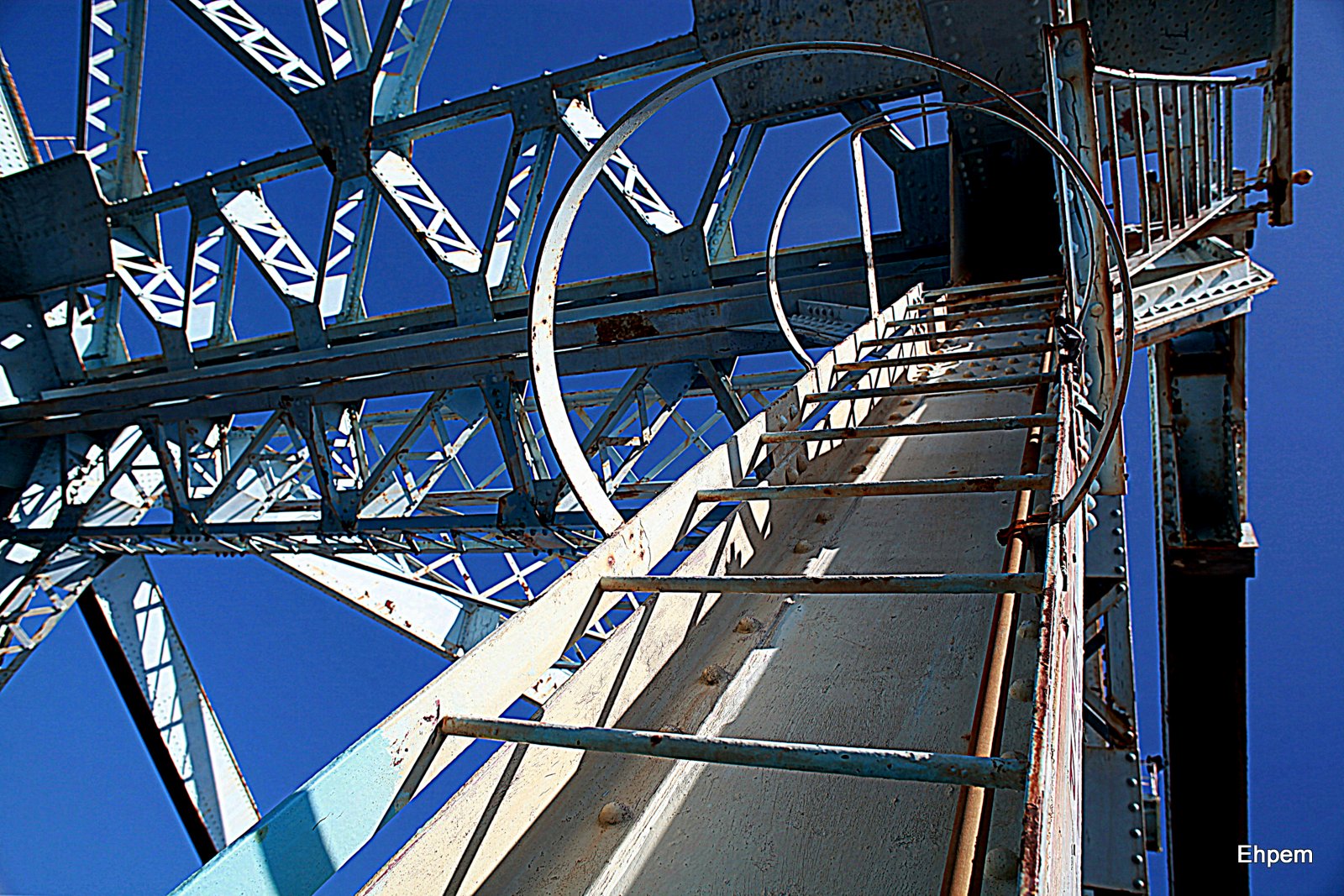
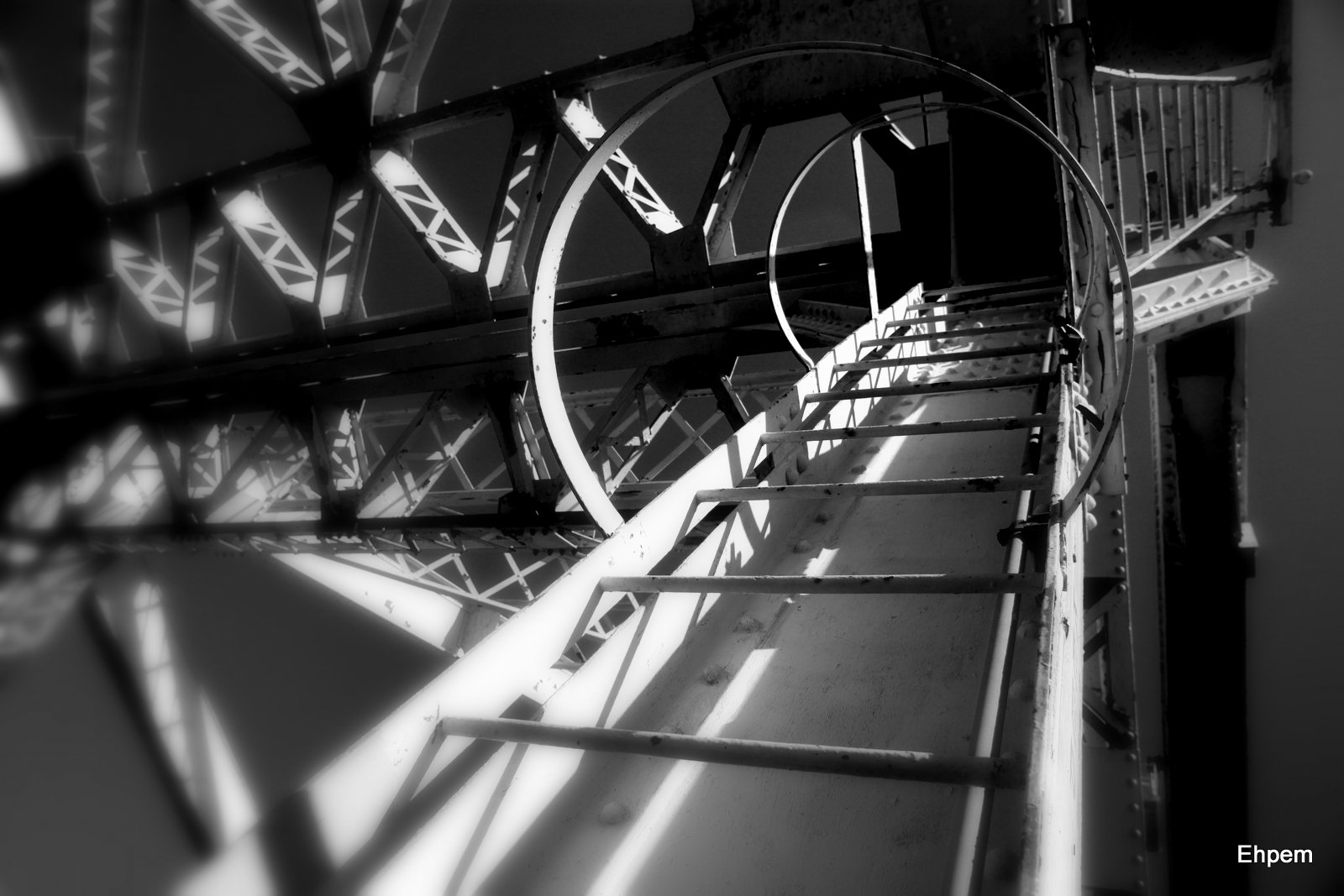
This detail shot of a ladder up the inside of the Johnson Street Bridge was taken a couple of weeks ago. I was preparing some bridge photos for an upcoming post when Google automatically updated my version of Picasa which is what I have been using for post-processing. The new version (3.9.0, Build 135.93, 0) has a lot of additional effects and other gadgets for making photos interesting, bizarre or just plain ugly.
Naturally, I checked these options out gravitating towards the ugly and decided that I might as well export the results for a blog – sorry about that, but quirky is occassionally allowed on these pages. Maybe this should be titled Ladder Made Bad.
Now, most of my viewers are much more sophisticated in their post-processing than I am, and use much more controllable software for their developing. So, this post might not be of much interest to many of you as you are unlikely to be using Picasa, even though it’s free. Maybe you know someone that is entry level and wanting to post-process on a simple level, in which case this might be an option. Anyway, I was having fun while listening to the Canucks throwaway an easy chance to take the President’s trophy (hockey made bad). And this is a bit of a last hurrah for me and Picasa as I am inching towards learning something more difficult and time consuming, when I can find some time and energy and will to do so. I know I have to do it. I have the software on the computer. And I have had a kind offer of help from one of my regular readers, so we just need to get a skype link going and do it. In the meantime, I am procrastinating with Picasa.
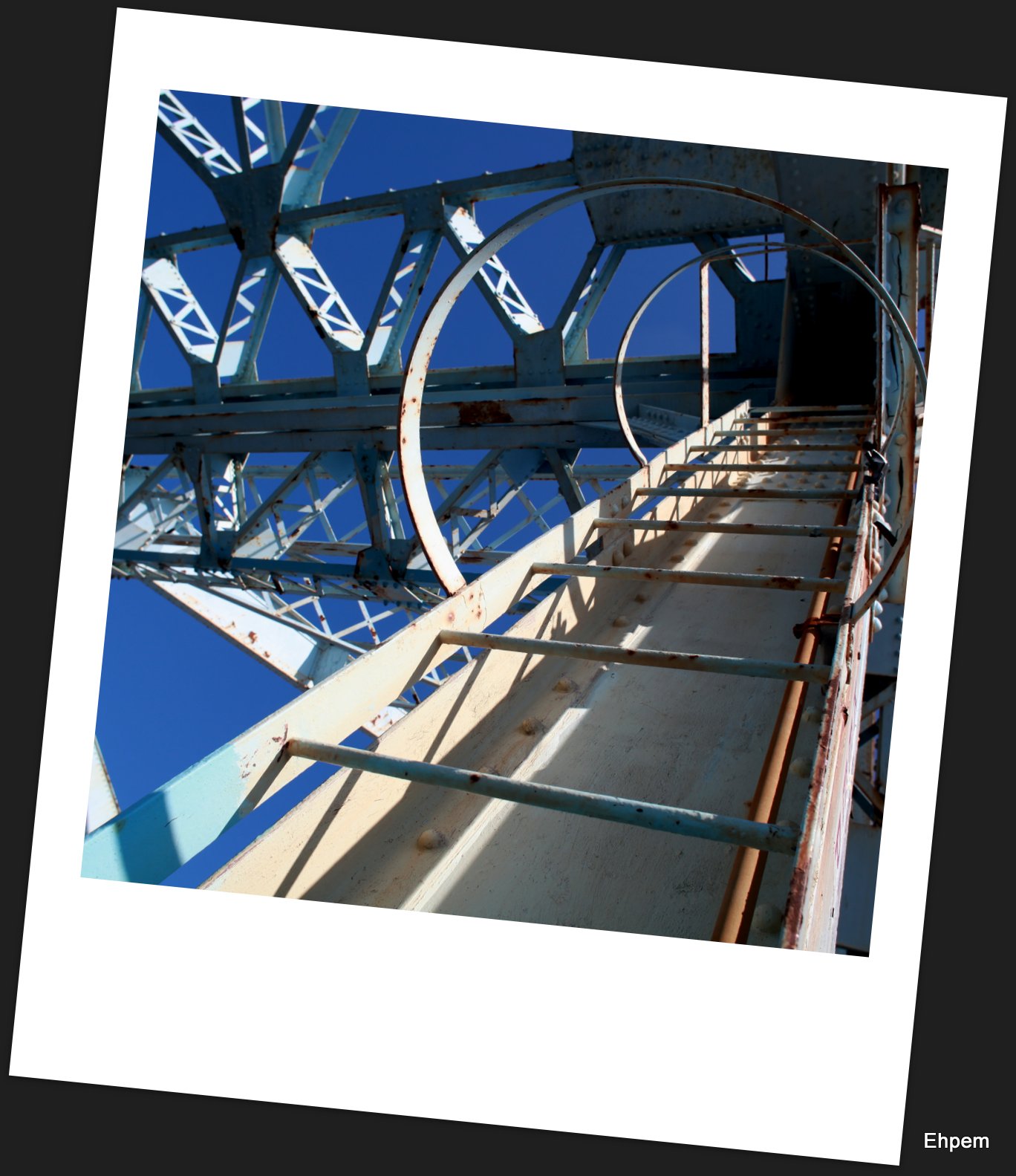
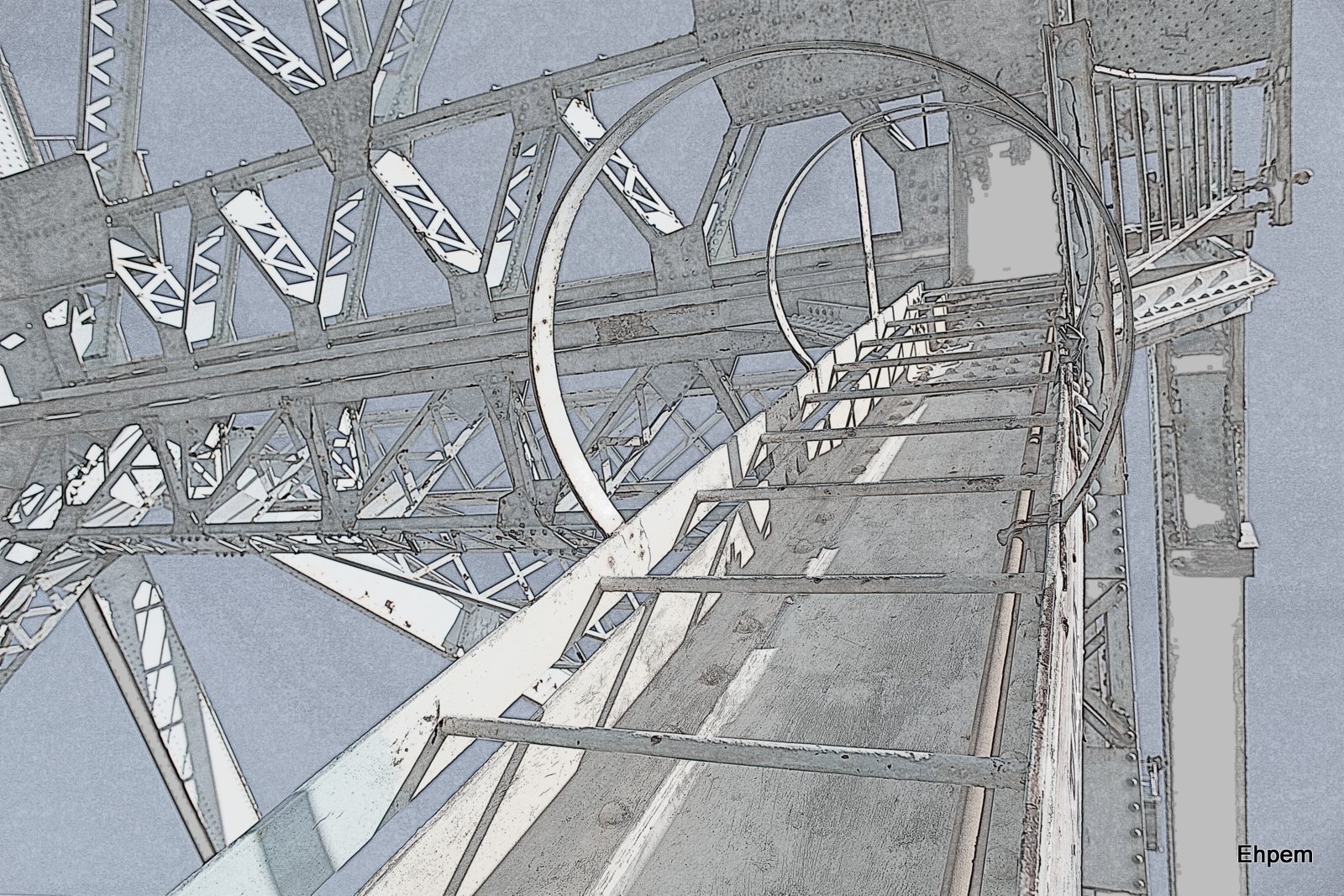
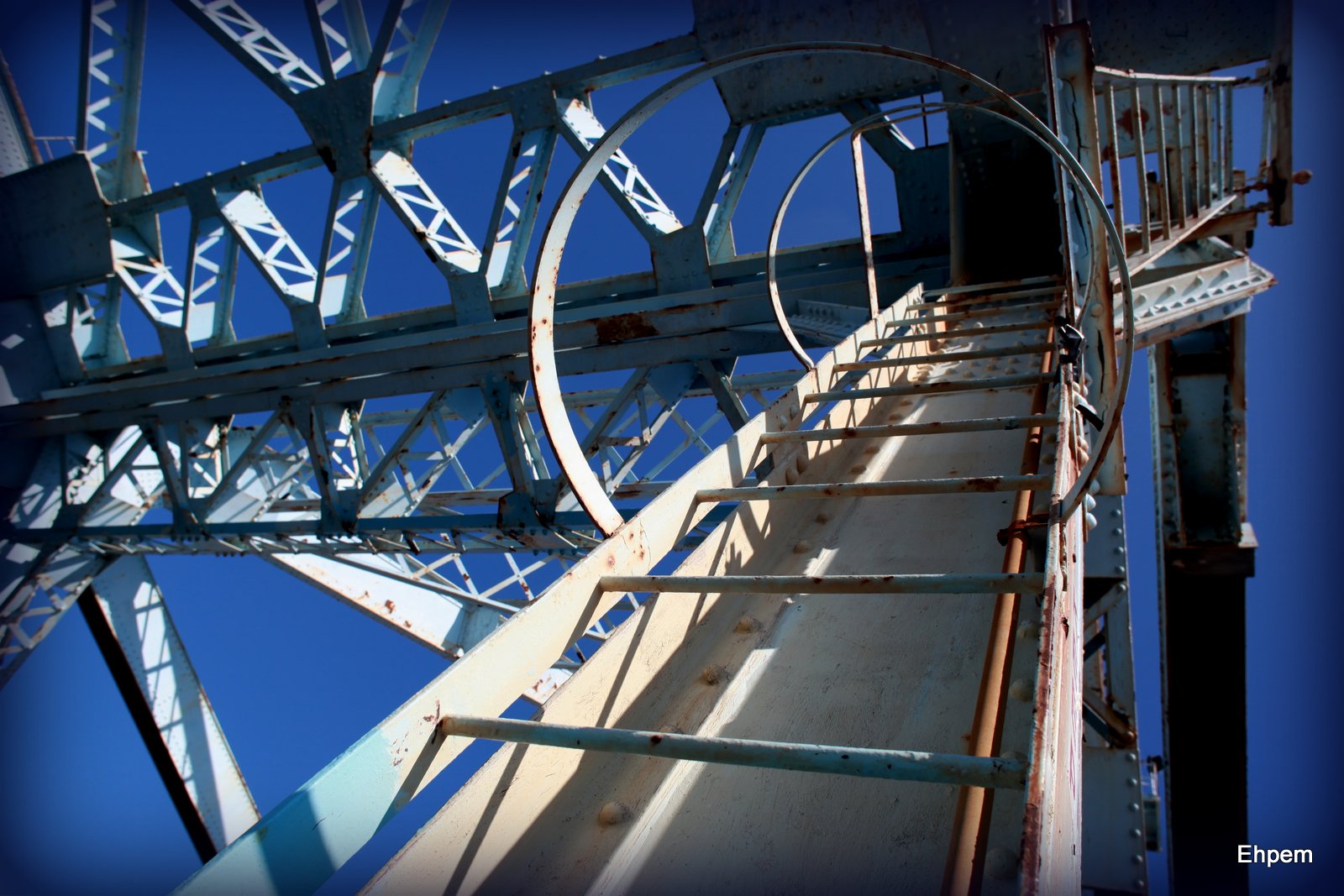
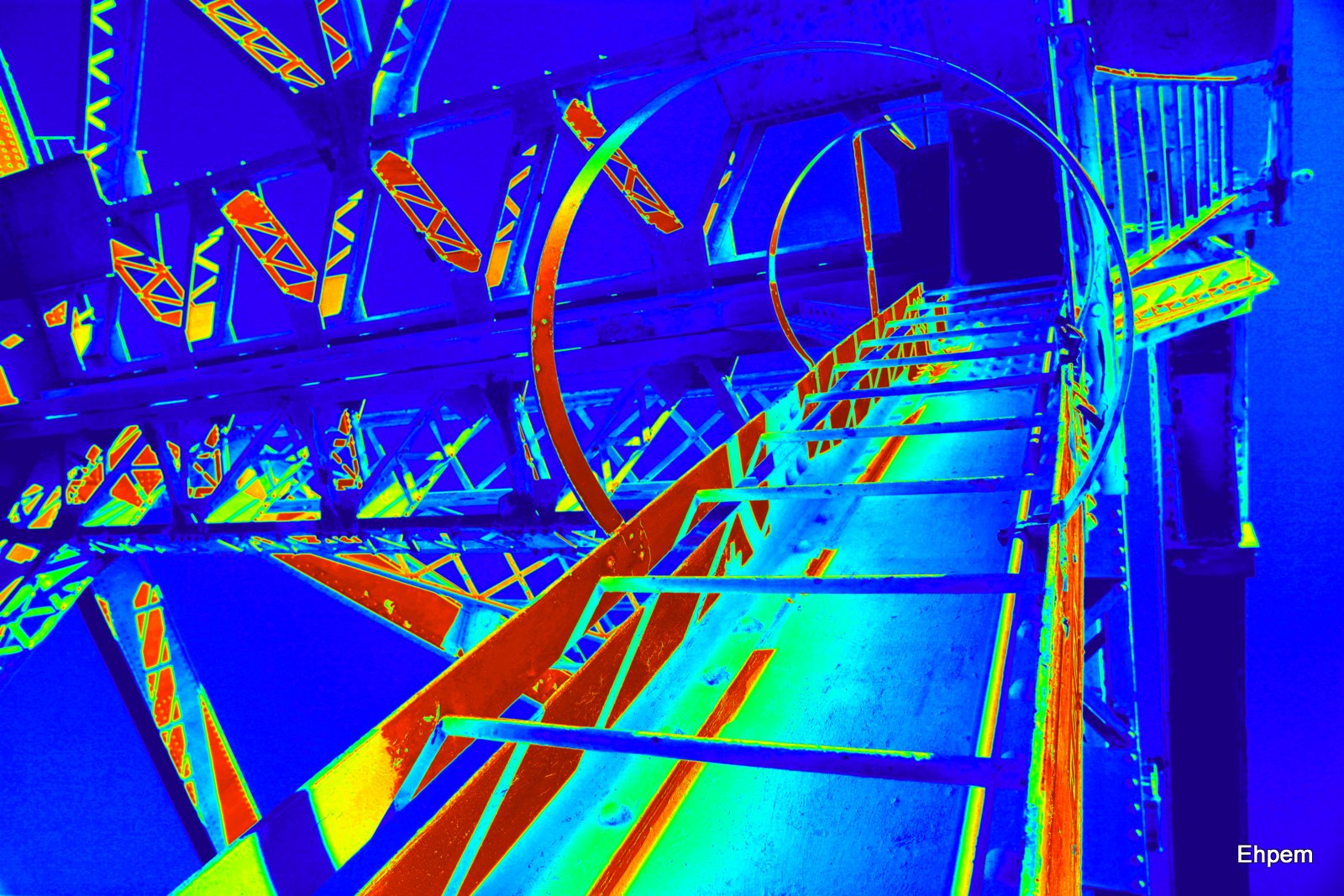
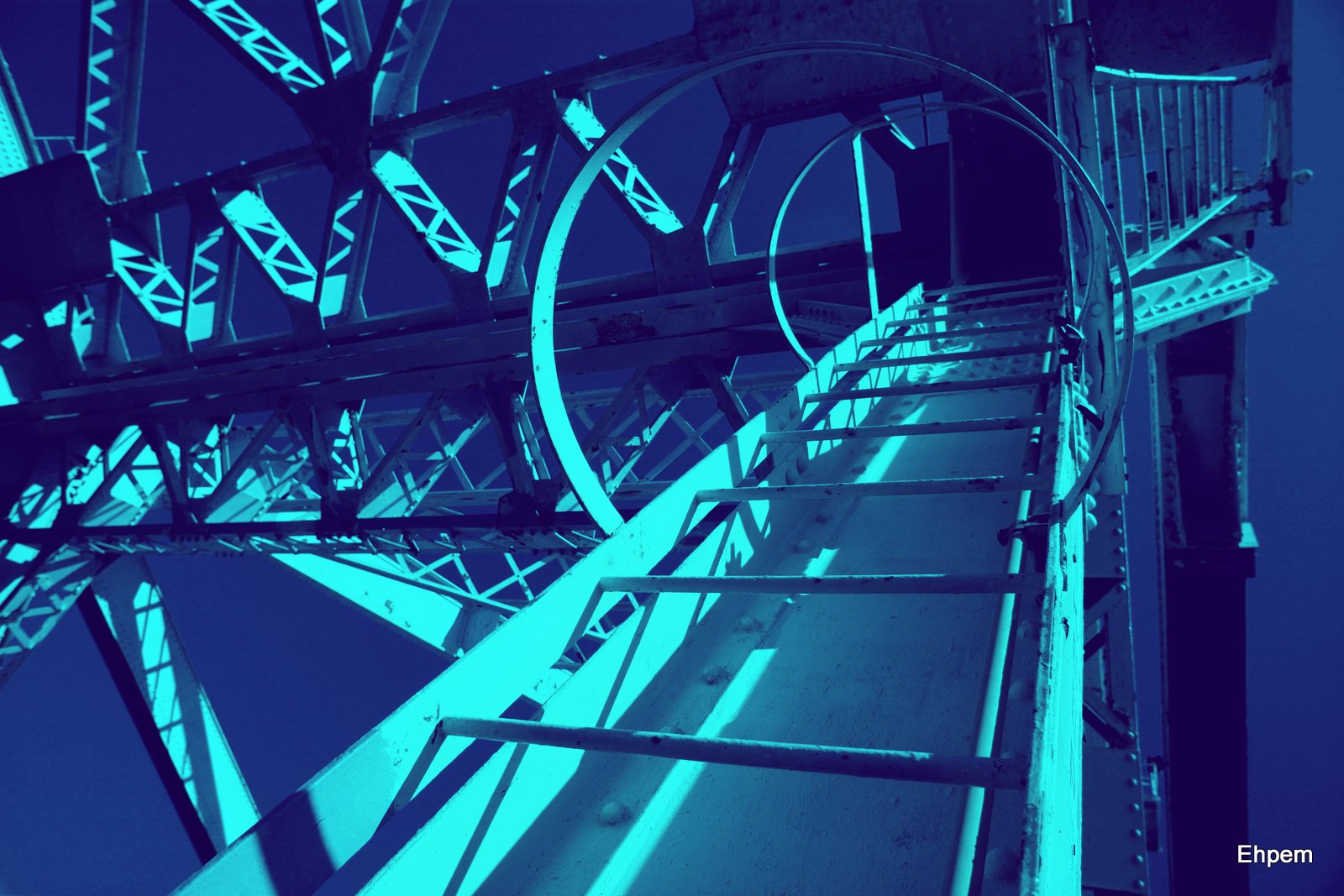
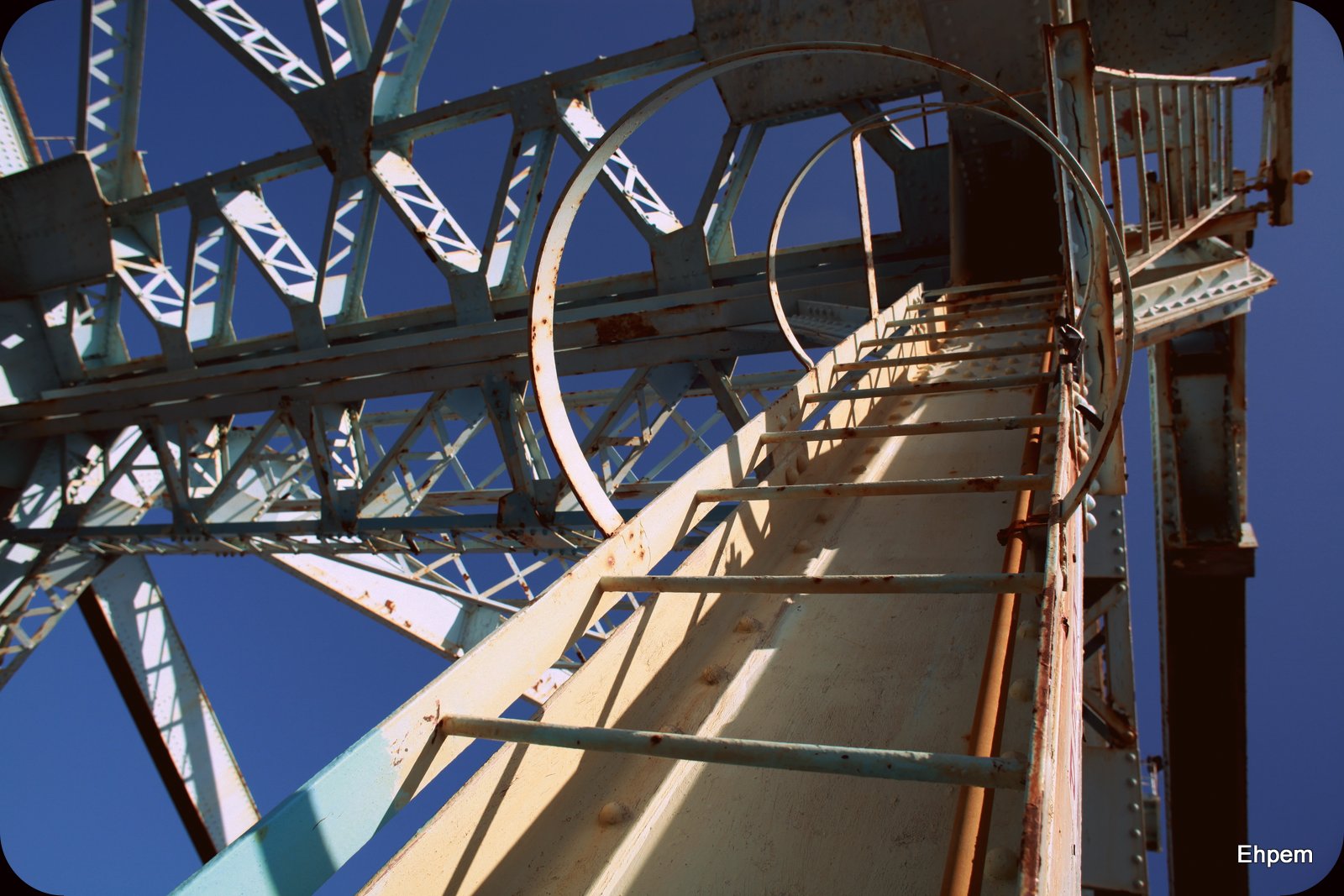
The Picasa effects are very easy to use, and depending on the effect have a few controls on things like brightness, fading, diameter of effect, colours, border size, border shape, and so on. I only give one example from each of the effects I tried (there are more effects) and it is by no means representative of what is best for this image since most of them I have never used before, and only messed around for a few minutes at most. The one I liked the best is what I lead with. Many of the others I have no use for, some are kind of fun, and some might be useful in very specific situations. The caption of the photo in the gallery is Picasa’s name for the effect (sometimes with a comment in brackets)
You can find my other posts about the bridge here. You can find the map of this bridge ladder here (takes some time to load, but be patient and it will work pretty quickly once the images are connected for the map).
Large views of the photos in the gallery below can be seen by clicking on any of the images and using the navigation arrows at the sides.
-

- Polaroid
-

- Museum-Matte

-
- Drop-Shadow

-

- Border
-

- Neon

-

- Pencil-Sketch
-

- Focal-Zoom

-
- Vignette
-

- Invert Colours

-

- Heat-Map
-

- Duo-Tone
-
- Posterize

-

- 1960’s (fading colour transparency effect)
-

- Orton-ish (turned down quite a bit)

-

- Lomo-ish (turned down a lot)
-
- Cinemascope
-
- HDR-ish
-

- Soft focus on a B&W conversion
-
- Normal Processing (some adjustments of contrast, fill, etc). This is the foundation to which all the other effects were added.

-
- Holga-ish Ladder
.
Canon EOS 5Dii, Nikkor-N f-2.8/24mm lens, ISO100, f-stop circa 11, 1/250th second.
.
.


 burnt embers
Love the altered images – graphic shots like this are prime candidates for this kind of treatment. The heat-map, invert colors, and pencil sketch especially caught my eye!
LikeLike
Hi Lynn. I think you must be right about this kind of subject being well suited. I have not tried it with, for instance a flower or water shot. I really like the colours in the invert colors version – for the sky, who would have predicted that ochre?
LikeLike
I didn’t realize how much you could do within Picasa. I’m a Photoshop user but I’m well aware that I use a very small fraction of its overall potential. I would recommend Photshop Elements as a next step – Ken (One Owner) is right) it’s worth it just for the power and extent of Adobe Camera Raw.
LikeLike
Hi Andy – 2/3 of the Picasa effects were not available before last week. My son has put CS5 on this computer and I see it has a Camera Raw plugin. As Ken says – so much to learn, so little time.
LikeLike
Looks like you were having fun! I like all the different effects – neon, pencil sketch are cool.
The image itself is great, I like the composition of shapes.
LikeLike
Thanks Ryan – I like the image too, which was why I was fooling around with it I guess. I like that pencil sketch one too, and I think there is lots more that could be done with it, I just dipped my finger into the (rather minimum) controls.
LikeLike
Yes. Soon you’ll be an effects wizard. It’s addicting.
LikeLike
I like the pencil sketch, holga and the soft focus B&W conversion the best of these effects. These are really fun and you can learn a lot using effects like these. I started with Picasa and at the time there were no effects but it did have some nice editing tools and a great organizer. Then I moved to Photoshop Elements because I wanted to learn layers, filters, blend modes and masking. Also, with Elements comes Adobe Camera Raw, so if you decide to shoot RAW you’ll have one of the best RAW processors available. So much to learn, so little time.
LikeLike
Hi Ken. I am surprised to hear you started on Picasa – not sure why I am surprised. Picasa works well for a number of things, but it does have some irritating habits too – like if you push it a bit hard in a black and white conversion – heavy red filtering for instance – when you save it will give you something completely different than what you had set up. But not always, its unpredictable. This latest version seems a bit more stable, and if it changes something its usually recoverable with some minor adjustments. There is lots to learn and I have been concentrating on learning how to take pictures with my new camera and old lenses. But, the ‘darkroom’ calls and should not be ignored.
LikeLike