
Cemetery Flare
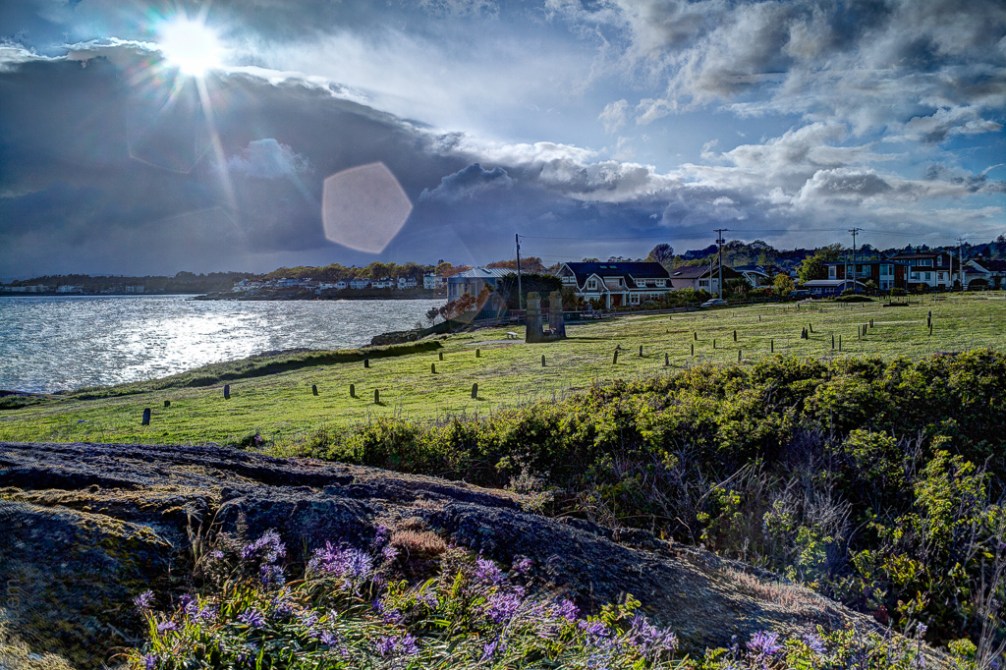
I took these shots when I was setting up a timelapse sequence and trying to get the exposure right. I ended up with three brackets that I processed together. Shortly after this the sun went behind the cloud and I lost the wonderful light on the Chinese Cemetery, but I also lost the lens flare.
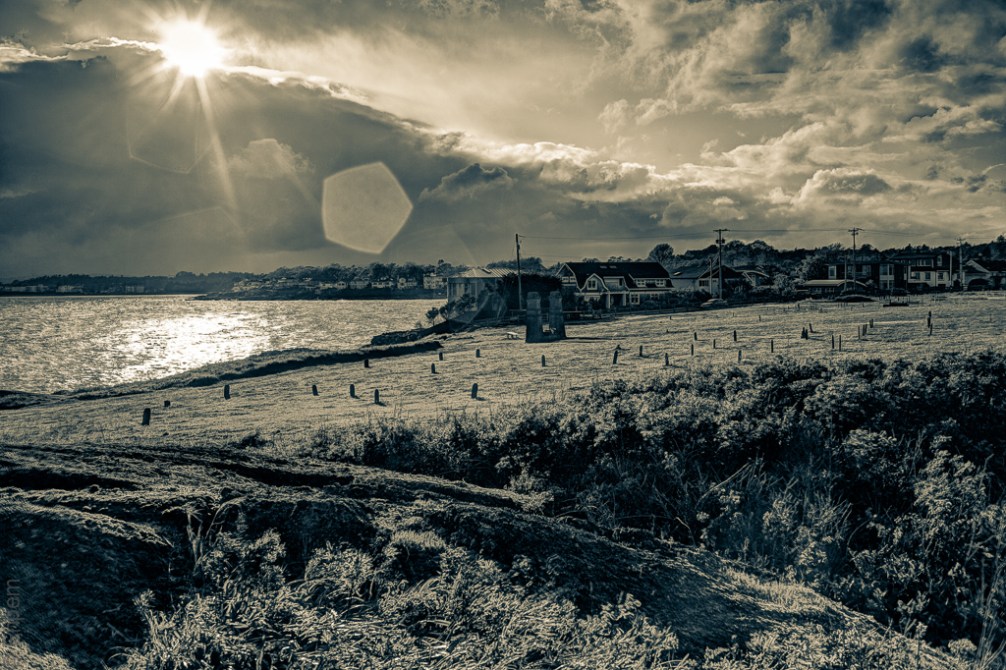
I can’t decide if the flare ruins the photo. I tried different treatments and I think that the Lightroom split tone preset (below) applied to the HDR image (above) allows the lens flare a more comfortable home in the photo. But I do like the camas in the foreground in the colour versions.
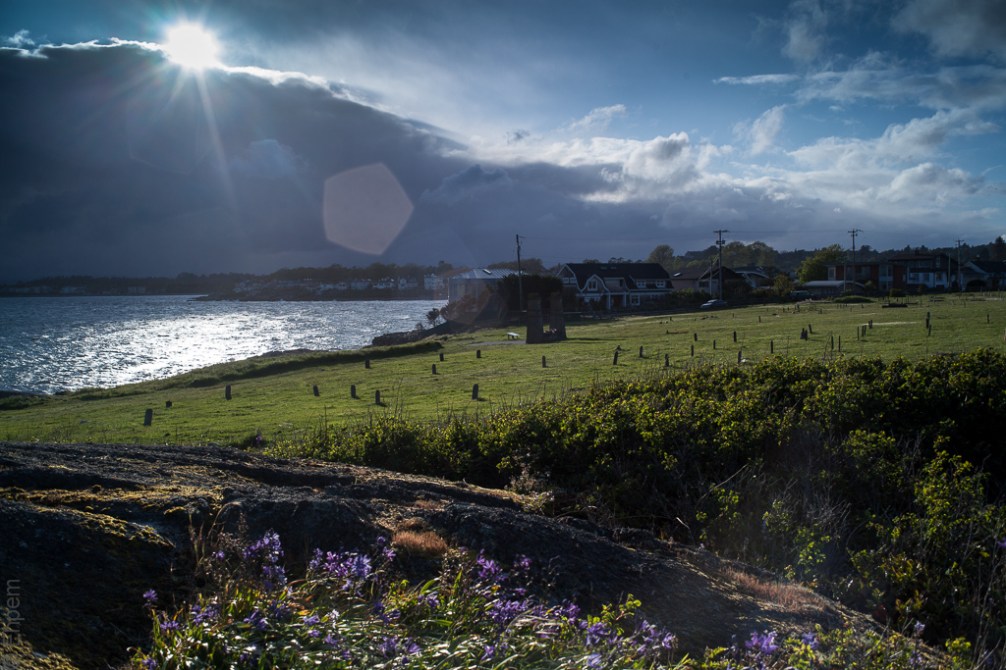
The bottom version is processed from a single image that I processed first before I realised I had a set of brackets to work with – the processed version is included in HDR along with two unprocessed images.
.
.
Canon 5Dii, SMC Takumar 35mm/f3.5 (m42 screw mount) lens, ISO100, graduated filter, ~f8.0, 1/250th, 1/100th (bottom), 1/60th
.
.


 burnt embers
I am a total HDR nut, all the way. That first shot is really wonderful, Ehpem, I can certainly live with the flare for the sake of the beautiful image. You’ve really pulled some great dynamic range out of the image, and for me personally, I always enjoy exploring the great details that can be found in an image like this.
LikeLike
Thank you Toad. I did quite a bit of work on it in Lightroom after creating the HDR image. I think if I had put as much time into the single image I could have got more out of it too. The graduated ND filter helps quite a lot with getting an even exposure. I am out of town right now and just realised I forgot to bring those filters, so I might be shooting more brackets as a way around a bright sky and ocean!
LikeLike
At the same time that (I feel) the flare adds nothing to this beautiful photograph, the photo is strong enough to show itself with or without flare. In some cases if you want the photograph, flare comes with it and, as suggested earlier in the conversation, if worst comes to worst there are good editing programs to fix this sort of thing. (in this series of photographs HDR wins)
LikeLike
Hi Joseph. I am glad you see it that way. Wide angle lenses pointed towards the sun = lens flare as there don’t seem to be any effective ways to keep sun off lens. And all my wide angle lenses are about 40 years old, so their coatings are not up to modern standards to help out.
LikeLike
They look wonderful. I think the flare makes the photo.
LikeLike
Hi Ryan – as you seem to be someone that lives life with flair, I am not surprised at your comment! Thanks!
LikeLike
Too true.
LikeLike
I’m not sure whether you use Photoshop or Photoshop elements but both of them offer Content Aware healing or fill. And I think you will find you can get rid of that flare using that processing tool. Worth trying if it is bugging you.
LikeLike
Thanks! – I have not used Photoshop, but am tempted from time to time. With this flare, I am just not sure whether it is a problem. Sometimes I quite like it, sometimes it is more about living with it.
LikeLike
Flare is one of those problems you don’t see until after you’ve shot the image. It’s a little dominantly placed in the image but I can live with it. I’m torn between the two colour shots – there is more detail and sharpness in the HDR top image although it is just a little forced. But it it the strength of the image that does distract from the flare
LikeLike
Thanks Andy, I agree about the forced comment. Probably I could do better with the HDR processing, or with the single image processing below.
LikeLike
I don’t mind a little lens flair although i know it bothers some folks. This one looks like you took control over it and it actually enhances the photo. i like the single image processed photo as it has most of the detail and color of the three exposure series.
LikeLike
Hi Ken. I can probably get more out of that single image. I got distracted by including it in the hdr set. Tomorrow’s image is one from a bracket set as well, and works much better than the hdr treatments I came up with, which aren’t good enough to post.
LikeLike
this shot transported me…completely there…entirely saturated with this scene…bravo
LikeLike
Thank you Liana – what a terrific comment to wake up to!
LikeLike