Drain Test
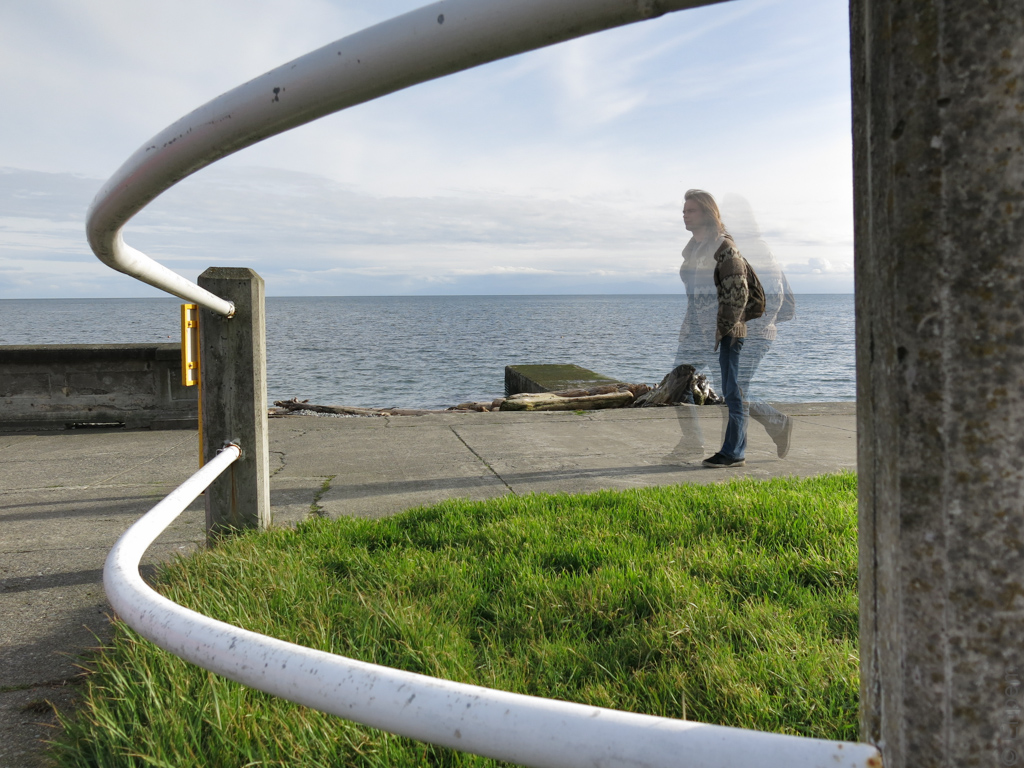
In Camera HDR, No Post Processing.
I thought it would be appropriate to use the Ross Bay storm drain to test the in-camera HDR feature of the Canon Powershot G15 (despite the title of this post, I am not testing the drains). Especially since there are so many pictures of this location on this blog that were taken with my Canon 5Dii.
This test arises for two reasons – one is that my 5Dii was away documenting the Song and Surf Festival in Port Renfrew for much of the past week. The other one is that on a recent post one of my followers James Kennedy (if you are interested in tea, book reviews and other diverse subjects, check out his excellent blog) rather plaintively said “Does there exist any super-quick, convenient (I mean, almost-fully-automated) way to process HDR?” I knew that my wife’s recently acquired G15 had an in-camera HDR function, and I thought I would test it out and report back to James, and all my other readers. And so we arrive at this post.
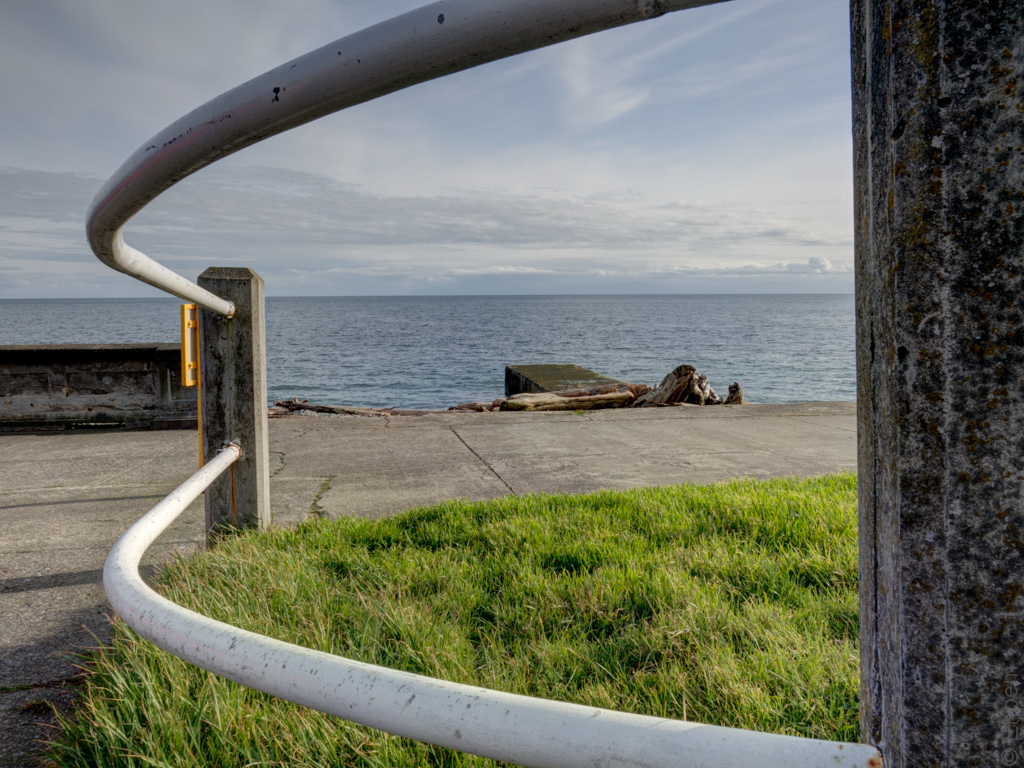
3 brackets processed in Photomatix using natural fusion default settings and no Lightroom adjustments.
The G15’s in-camera HDR function takes 3 brackets within about one second, followed by another 5 seconds or so of processing before it produces a single image (the brackets are not kept). I can find no indication in the manual or on-line about how it does this, whether it is always the same or adjusted for lighting (I doubt it…) nor is there any information about how it processes the brackets. Apart from the information vacuum, there are a number of other drawbacks: no control at all over this mode, automated aperture, ISO, shutter speed, etc and it only produces jpegs. You can set the focus mode to manual if you want, aspect ratio (5 choices) and some colour filters like sepia. The screen icon displays when the camera is level, and the self timer can be used.
The G15 can also shoot brackets for post processing up to +/-2.0 E.V, in RAW or jpeg, with all the usual settings a DSLR user would find familiar like manual, aperture or shutter priority, manual focus, ISO, various self timer modes, types of image stabilisation and a lot more (including a few features that are not present on the 5Dii).
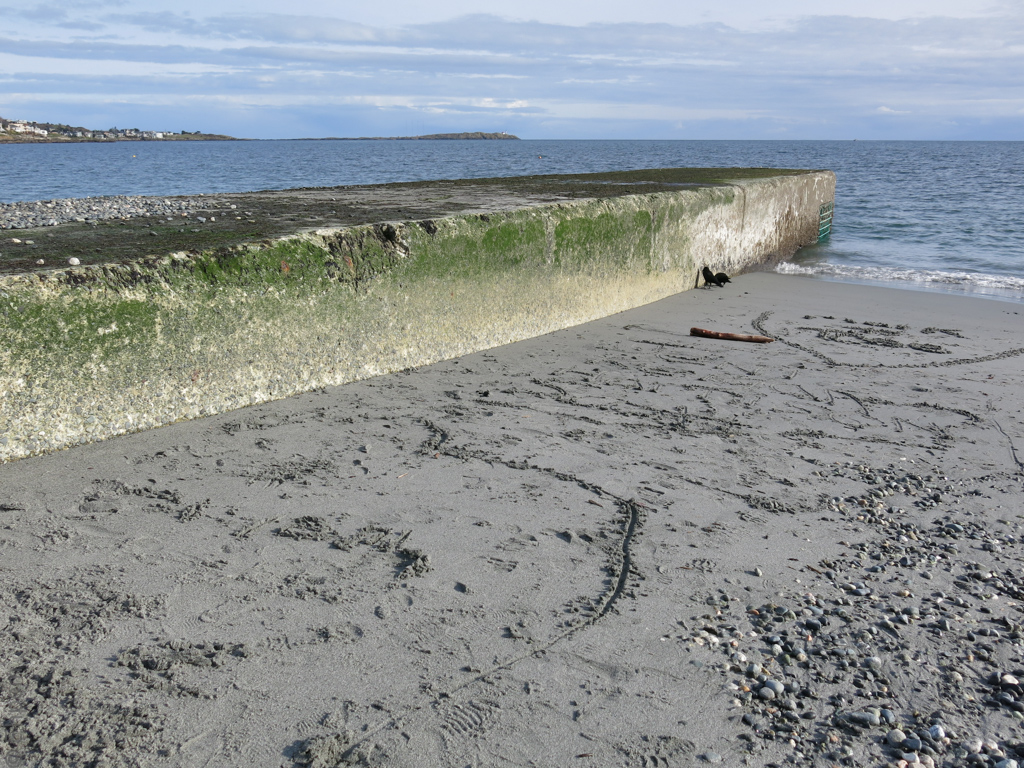
In Camera HDR no edits
I did a number of test shots during a bright sunrise with high dynamic range. Unfortunately, I did the shots without a tripod, in spite of the warnings in the manual and on-screen to use a tripod :(. I put this down to familiarity with Photomatix processing which does an excellent job of aligning handheld brackets, rather than arrogance or some other unpleasant personality trait (of which I have none). The in-camera HDR function does not work hand-held, at all. It does not align the multiple images during processing, and obviously does not have a de-ghosting feature either (see top image). Don’t use HDR settings without some solid way of holding the camera – a tripod or by setting it down, etc. And I would suggest using the 2 second timer if you are doing that. Annoyingly, the 2 second delay always reverts to no delay when the camera shuts down with no clear way of locking it, other than saving settings to a custom preset.
In Camera HDR, no edits – hand held and thus blurry
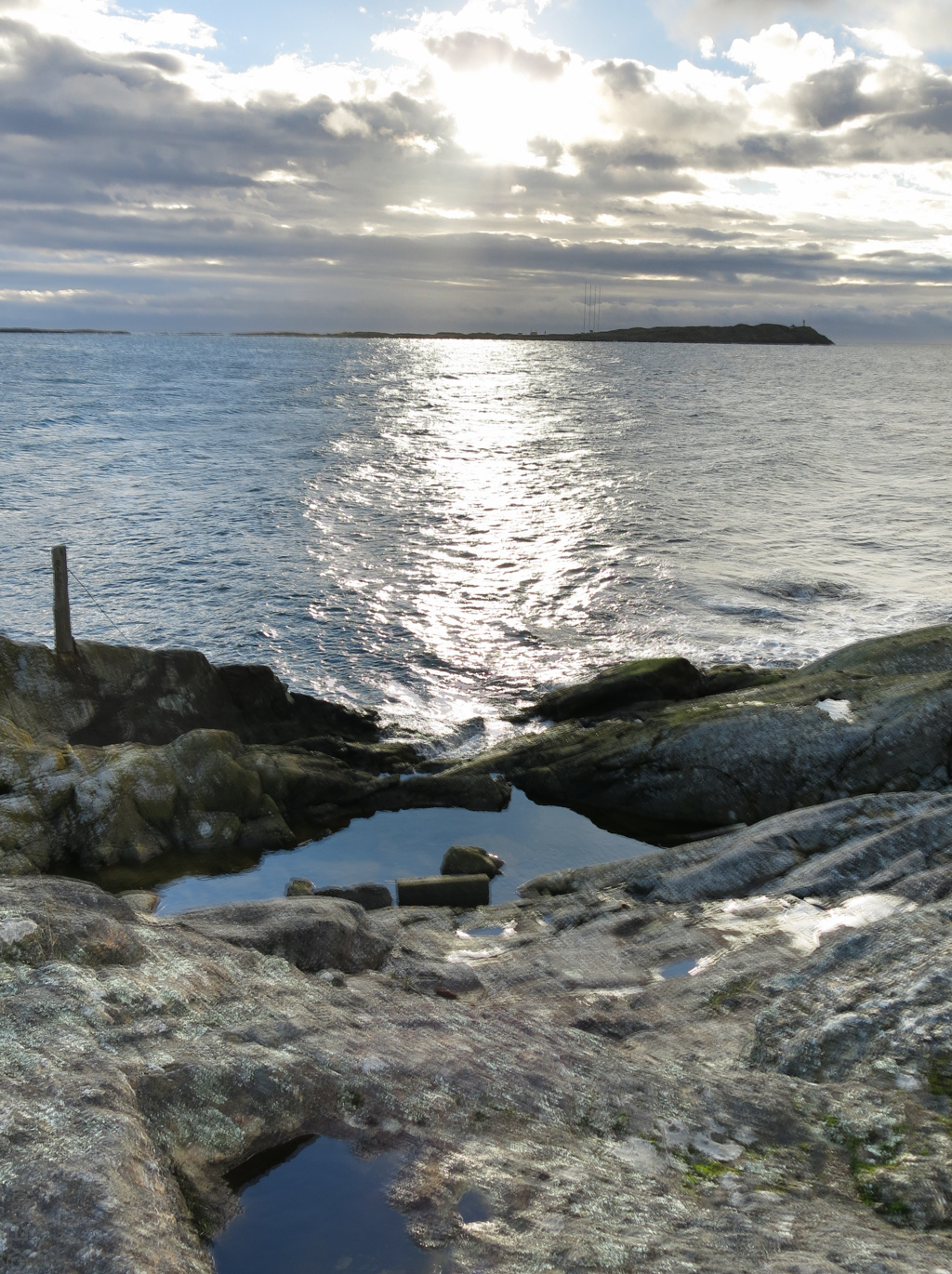
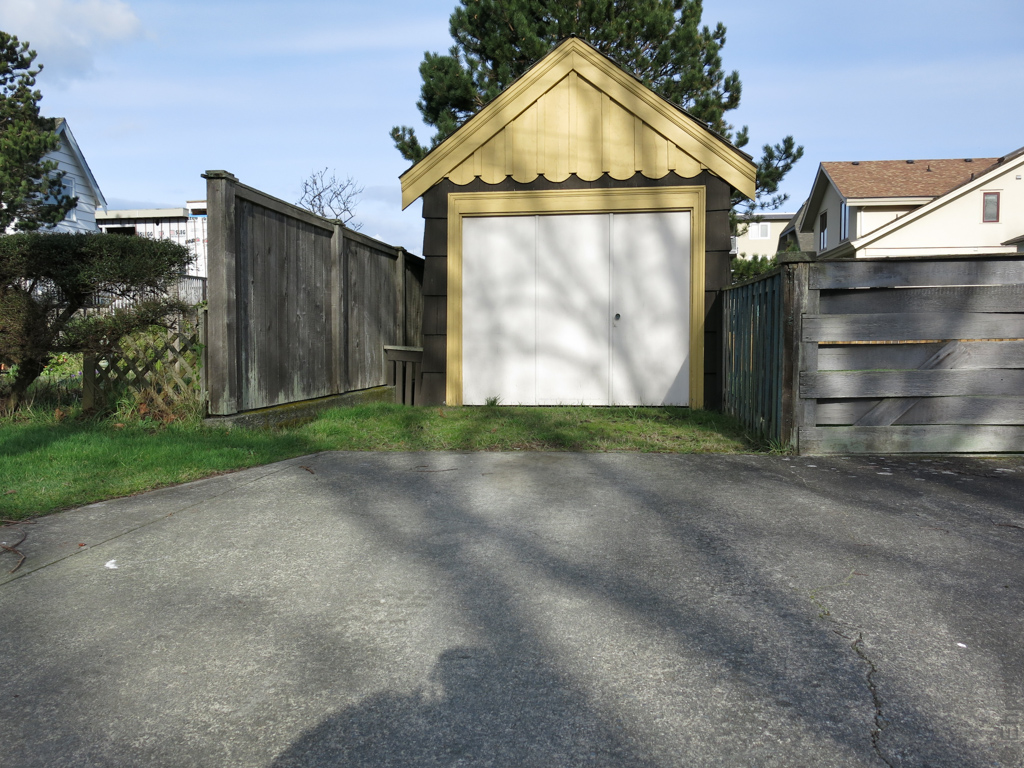
In order to do this test, I took the camera out again – there was weak sunshine, somewhat filtered by cloud, but still casting shadows. Not the ideal HDR test environment, but shooting across the ocean at quite bright but cloudy sky can be useful place to use HDR to get the most out of the foreground and the clouds so I thought it might work out. Again, my ignorance of this camera kicked in and most of my storm drain brackets are missing the -2.0 EV bracket because it was too bright for the settings I had on the camera with 0 E.V. being 1/1000th or 1/2000th. For some reason the camera will only shoot as fast as 1/2500th when bracketing, even though the maximum shutter speed is 1/4,000th (still less than -2.0 E.V. for these shutter speeds). So, the one beach level shot of the storm drain, with crows, is a bit ‘faked’ in that I adjusted the “-2.0” (actually was only -0.50 E.V.) exposure in the RAW file in Lightroom to be equivalent to a real -2.0. The shot through the railing features a distant view of the storm drain, the sand shot is taken standing on the storm drain, and the garage is across the street.
In camera HDR, no edits
My test procedure was to take a set of ‘regular’ brackets and an in-camera HDR shot from the same tripod setup. The brackets were all shot at +/- 2.0 E.V. and processed in Photomatix using the fusion/natural option with default settings. My initial test of the camera suggested that the G15 HDR setting is using the equivalent of Photomatix’s image fusion/natural settings rather than tonemapping, and the end results look as if it is likely to be bracketing with something close to 2 f-stops. In brighter light the in-camera HDR EXIF data claim it was shot at 1/1000th. Since the camera automatically changes the ISO and/or aperture I am assuming that 1/1000th is the 0.0 E.V. setting for the series of brackets. And because the maximum shutter speed is 1/4000th and 2.0E.V. greater than 1/1,000th I am going with 2 f-stop bracketing as it default (it makes sense to me, even if not to anyone else).
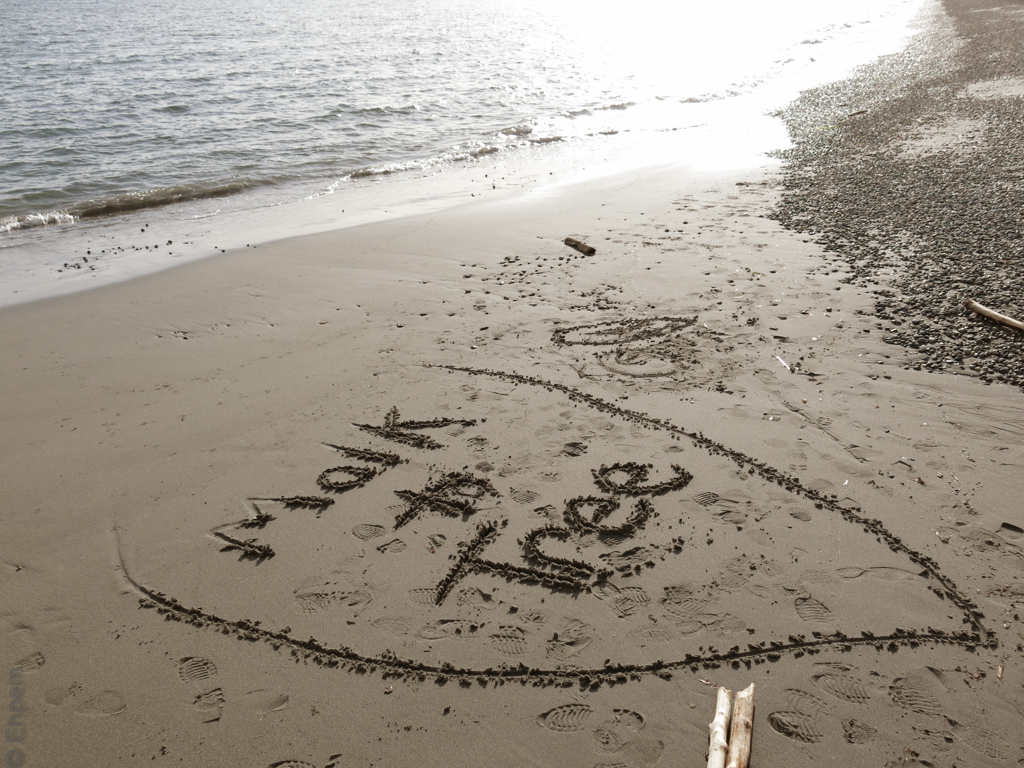
In Camera HDR, no edits
I think most of you will agree on viewing various versions of photographs presented in the gallery below that the in-camera HDR can be useful, if you have a tripod or equivalent, and you don’t have access to post processing HDR software. In very bright conditions it seems to work quite well. However, if you shoot raw and do some masking and editing you can probably get much the same from a single good exposure. The in-camera HDR certainly is no substitute for shooting brackets and then manipulating those in post, especially because there is no control over the fusion process, but also from the reduced latitude for processing jpegs. So, James Kennedy, the G15 is not the camera to answer your question. I understand some higher end (and very much more expensive) DSLRs (like the Canon 5Diii) have much more control over in-camera HDR, several different styles of processing and will do a very good job of processing hand-held shots.
However, the G15 is a terrific and versatile small camera. If you want to see a bunch of other shots from this particular camera, mostly taken in Program or Auto modes, then look at pictures posted in the Quimper Hittys blog since Christmas, and in particular the ongoing weaving series which has some tricky lighting in many of the shots. Most of those pictures are as shot, with the only post processing being some cropping or straightening and sometimes a bit of sharpening – I don’t think flash has been used for any of them.
The gallery below includes, at the bottom, examples from my first hand-held tests on Harling Point and many more from the second tripod tests in the Ross Bay area. Usually I show the just the in-camera HDR, the Photomatix fusion/natural with default settings and the 0.0 E.V. version from the bracket series I took. For the first image I explore some of the potential found in the in-camera HDR jpeg with some edits in LR4. For the picture of the garage I illustrate how much more is possible in Photomatix with some fairly minor adjustments to the fusion/natural settings.
To open the gallery view click on any thumbnail, navigate with the arrows and escape to return to this page. The captions show beneath the photos in the gallery.
-

- In Camera HDR, No Post Processing.
-
- 3 brackets processed in Photomatix using natural fusion default settings and no Lightroom adjustments.
-
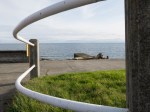
- 0.0 E.V.
-
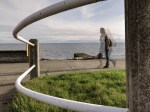
- In Camera HDR with Lightroom tweaks
-
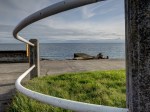
- 3 brackets processed in Photomatix using natural fusion custome settings and some tweaks in Lightroom 4.
-
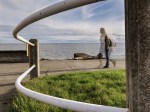
- In Camera HDR with quite heavy Lightroom edits including masking the sky
-
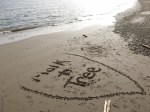
- In Camera HDR, no edits
-
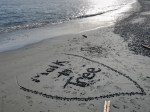
- Photomatix fusion/natural, default setting, no edits
-
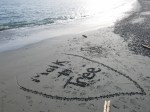
- 0.0 E.V. no edits
-
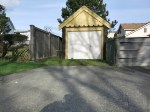
- In camera HDR, no edits
-
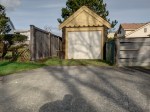
- Photomatix fusion/natural, default settings, no edits
-

- Photomatix fusion/natural, custom settings
-
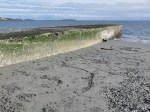
- In Camera HDR no edits
-
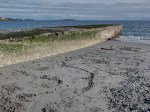
- Photomatix Fusion/Natural Default Settings, Deghosting of moving crow and wave edge.
-
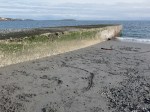
- 0.0 E.V.
-

- In Camera HDR, no edits – hand held and thus blurry
-
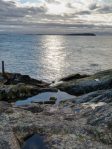
- Photomatix Fusion/Natural – Default Settings
-
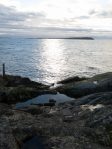
- 0.0 E.V.
.


 burnt embers
Pingback: Sand Drain | burnt embers
Interesting results here, Ehpem. I love how the entire HDR concept is getting broader attention, and inclusion in the camera’s software as discussed here.
LikeLike
Hi Toad! I think it is very interesting how the HDR idea is spreading right into cameras. If you can do it ‘in camera’ will it be more acceptable to the purists? Something tells me not …
LikeLike
I love the ghost in the first picture.
LikeLike
Hi rabirius – welcome to my blog and thanks so much for comment.
That actually is one of the things about the HDR feature in the camera that is a plus – the ability to do multiple exposures in-camera (even if they are different EV values). I think that perhaps with a bit of creativity it could be used to very good effect. It is one of the things my DSLR cannot do, so it might be worth playing with it.
LikeLike
Pingback: Cloud Pool II « burnt embers
I didn’t realize we had now moved on to G15. It seems that the HDR mode involving three shots in rapid succession (but requiring a tripod as there is no in-camera facility to auto-align) is not really ideal for a ‘compact’ camera. The whole idea of a compact is that it is pocketable, and I would sincerely hope that with the next model – G16 presumably – they will find a way to align three hand held images. Then they really will be producing something that takes a compact to another level.
LikeLike
Hi Andy, it will be short lived, my camera is back in town, soon to be back home with me. However, I do have quite a number of pictures taken with the G15 that I will use so it could be a mix for a while.
I think this camera is close to being at another level already with nearly complete control in most modes, a fast lens with good optics, the ability to add filters, remote control, remote flash, an optical view finder, RAW shooting, and so on. But I agree, if you can’t handhold in some modes, then it goes against the purpose of the camera and should be corrected, and likely will be given the capabilities in the latest Canon DSLR’s.
I don’t think there was a G13 or G14, so the next model number might be hard to predict.
LikeLike
It’s easy to see that there is some value in the in-camera HDR function and I can see where it would come in handy on a lot of occasions, especially when the lighting is not ideal. It probably would be to the camera owners advantage to know how this function works and make the best use of it. For anyone not interested in the complexities of HDR as shot on a dSLR and related software I think this is a great addition to an already capable camera.
LikeLike
Thank you Ken. I agree. I wish there were more control. Seeing that there is in the really high end cameras now, I expect that in 5 years these upper end point and shoots will have much more functionality as well. Some of the 5Diii in-camera HDR shots that I looked at are excellent, including the hand-held ones.
LikeLike