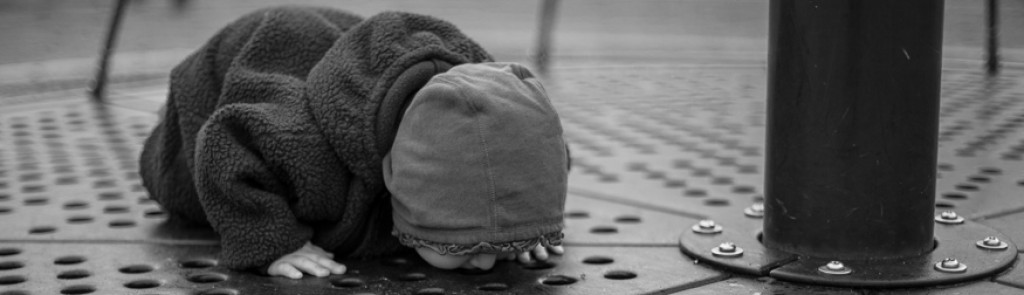
Big O Time Lapse

Today’s post is about making a silk purse from a flat tire. It is a story of timelapse photography and how getting my computer upgraded resulted in four new tires, on my car, and an unexpected timelapse.
To view the video click on the image below. I find that viewing it at high-resolution in WordPress runs a bit rough and recommend you move over to YouTube and watch if full screen at high-resolution.
.
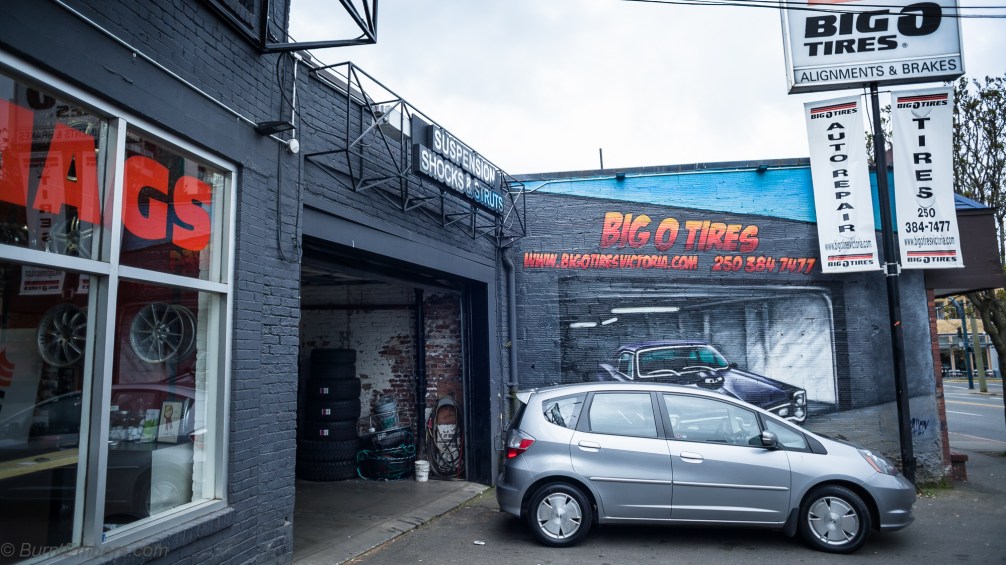
I was at DTI Computers on Thursday to pick up my upgraded computer. I have gone to them for computer needs for about 15 years, maybe longer, due to their truly knowledgeable staff and terrific service, not to mention friendly people. A helpful stranger came in the store to say I had a flat tire. It was 5:10pm, I was supposed to be at a fundraising dinner at 5:30, 10 minutes away. Fleeting moment of panic before I remembered that there was a tire shop next door, so close that their sign is painted on the back wall of the computer store, and they were open until 5:30.
.
Big O Tires sent someone over with compressed air in a can (the kind of can I would need to carry with two hands). This allowed me to get the car around to their work bay since the tire had been down on the rim. While I was finishing things off with the computer, they looked at the tire. Sadly, the tire was ruined, had to be replaced, and as all four were at the end of their lives, new tires all around were called for. I went off to dinner on the spare so-called-tire and yesterday I took the car in for new rubber.
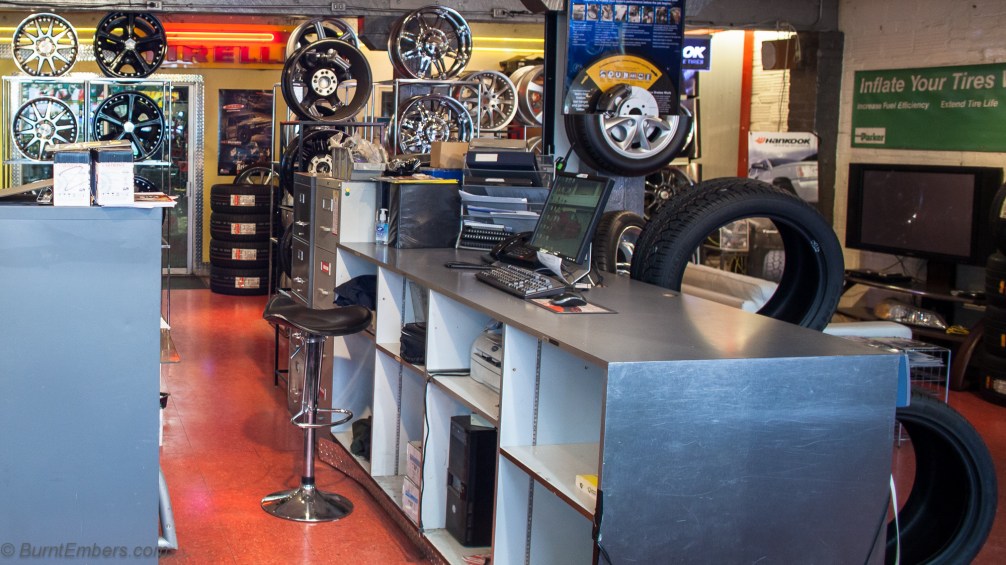
I thought a timelapse of the tire change might be fun, a good way to get something more out of the unexpected expense, and the folks at Big O Tire agreed so long as I kept out of the way. So, that is what you have today, together with some stills from the sequence and from outside the garage. Tomorrow I will have a gallery of stills from this sequence as I think some shots are worth a closer look.
I set up at the entrance of their work bay, but did need to move the camera once to make room for a pick up truck to get in. This move was done pretty smoothly, resulting in the loss of only 3 images in the sequence and no need for straightening the image (in other words I moved and steadied the tripod in 3 seconds!). You will see the edit, because I tried to compensate for it by zooming in at the end of the first part and then zooming out at the beginning of the next, which worked pretty well. However, I zoomed in a bit too far resulting in a crop that is smaller than the video and thus a few frames show a black border at the end of the zoom.
This timelapse was shot with a slower shutter speed to get a bit of blur into the moving people as this is said to make the video smoother, though I am not sure if that worked very well as these guys were moving pretty quickly, and are quite close to the camera. The video is rendered from more than 1300 images, with some panning and zooming within the images via cropping within the images. I have bought a license for LRTimelapse as they limit the number of images you can process to 400, and earlier attempts to break the sequences, render them, and then recombine had not worked very well. The licensed version of LRT has some other features I want to use, such as adjusting for exposure changes when, for instance, transitioning from light to dark at sunset.
.
Nobody gave me anything to ‘plug’ their business in this post.
Technical Details: Canon EOS 5Dmkii, Nikkor-N 24mm/f2.8 lens, ISO100, f2.8, 1/25th second, 1,324 exposures taken 1 second apart with the aid of a Pixel TW-282 timer. Manual settings, custom white balance, smaller RAW files shot at 3861 x 2574. Edited in Lightroom 4 and LRTimelapse 2.3.1, then rendered as a movie through LR4 Slideshow module, with LRTimelapse templates. I chose the 23.976fps option. Further editing for captions in Windows Live Movie Maker.
.
.


 burnt embers
Great fun to watch – the action brings back memories of the old silent films we used to watch many years ago.
LikeLike
Interesting comment Andy. I used to like those movies when I was a kid. And there has been something resonating in the back of my mind about the TL videos – I think you just put your finger on it. Thanks!
LikeLike
I hope the car feels good on its new tires. I got cheap chinese ones but road noise was awful. They changed them free of charge for some much better ones (Kunho, from S. Korea I think) which are as quiet as the original Michelins and similar quality but cheaper.
LikeLike
So far they seem fine, but I have not done anything but toodle around town.
LikeLike
Pingback: New Rubber | burnt embers
This is very good – it’s an unusual subject, and a lot of fun to watch. You are getting proficient with TL!
LikeLike
Thanks Melinda. It’s not as steep a learning curve as I feared, and LRTimelapse takes a lot of the complexity out, so long as you watch the tutorials…
LikeLike
I loved this, Ehpem, but it calls for some kind of music to go with it!
LikeLike
Thanks Lynn. It does call for some music, some of which has to be reminiscent of the sound of a compressed air wrench tightening lug nuts.
LikeLike
great stuff! fun to watch – they really move.. lol. 🙂
LikeLike
Thanks Sheila! They do really move. I don’t thank that is very long for swapping the rubber on 4 rims, balancing each wheel and remounting the tires. And for doing another car at the same time.
LikeLike